The irony is not lost on me. Still, it is time…
Why would you want to do this?
We always hear, how big corporations are controlling us and our data, and that the fight is already lost. I do not agree. And this is an (albeit) small first step to fight back. While this way you can still be tracked via your sim card, it at least makes the lives of the surveillance industry a little harder.
What are the alternatives to google?
According to itsfoss.com there are 13 open source alternatives to Android. My choice fell on GrapheneOS. It is privacy-focused and still offers Android app compatibility.
It is a hardened version of Android without Google services.
Where to start?
I decided to go for a brand new Google Pixel 4a (see a list of supported devices for GrapheneOS here).
I followed this video’s advice not to give any privacy compromising information to google, while initially setting up the phone. And then also to update the phone (had to do this repeatedly).
Later, I followed this guide and this video’s install instructions. According to the same video, OEM-unlocking can be a challenge with used phones, so before you get one, make sure that section is not greyed out (First, tap Settings/About phone/Build number repeatedly to unlock developer mode, then check under Settings/System/Advanced/Developer options/OEM unlocking).
Enable OEM unlocking.
Boot into bootloader interface. For that, turn off your phone. Hold the volume down button, while restarting it.
Connect the phone to the computer and press the Unlock bootloader button. You need to confirm the unlocking of the bootloader on the device (by first pressing volume up and then the power button).
Download release.
Flash the factory images (this will wipe all existing data from your phone).
(Re-) lock the bootloader (again, confirm it on the device with the volume button and the power button).
Press Start (Power button).
Turn off OEM unlocking and Developer options.
Restart.
Done. Congratulations, you are now running GrapheneOS!
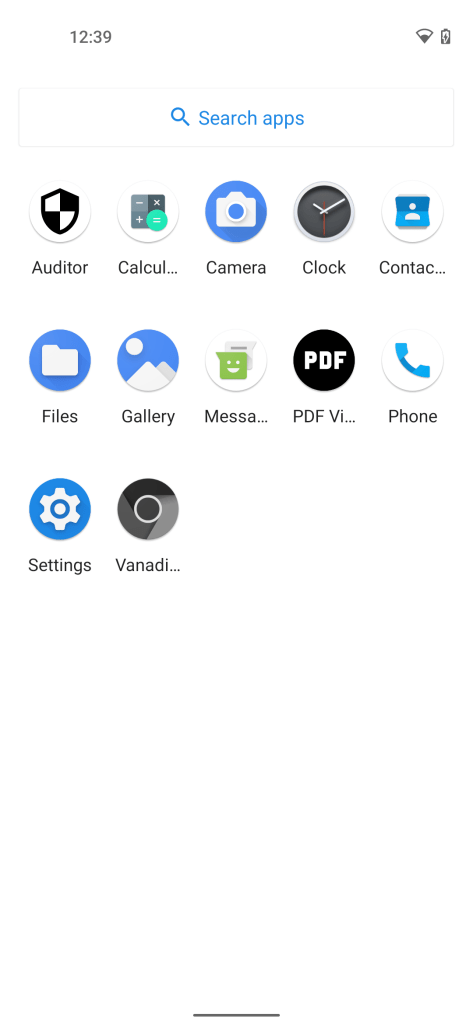
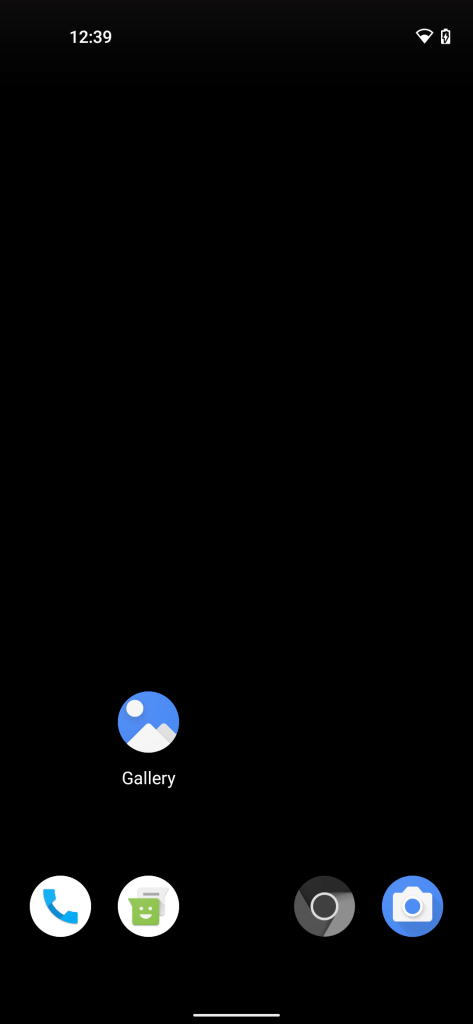
Useful advice on apps and better camera app from this youtube video.
The installation is very bare bones, need to install many apps to have a fully functioning phone. Still, this adventure is worth undertaking!
F-Droid seems like a fantastic place to start…
 My Builds Blog